Getting started4 minNew merchants opening their first stall
Getting started
Use this when you want the fastest path to a live shop. You can polish the details later.
01
Create your account
Start with your phone number or email, then finish the short onboarding flow. Keep your business name and WhatsApp number close by so you can fill the basics in one sitting.
02
Choose a stall name buyers will recognise
Use the same business name people already know from Instagram, WhatsApp, or TikTok. That keeps your new link familiar from day one.
03
Set the essentials before you share
Add your business description, delivery location, and at least one bank account. Buyers should be able to understand what you sell, where you ship from, and how they will pay without messaging first.
Keep it short
A clear one-line description usually converts better than a long paragraph.
04
Preview the stall on your phone
Open your storefront preview on a real phone before you publish. Check the first screen, your lead product photos, and your checkout wording.
Storefront preview
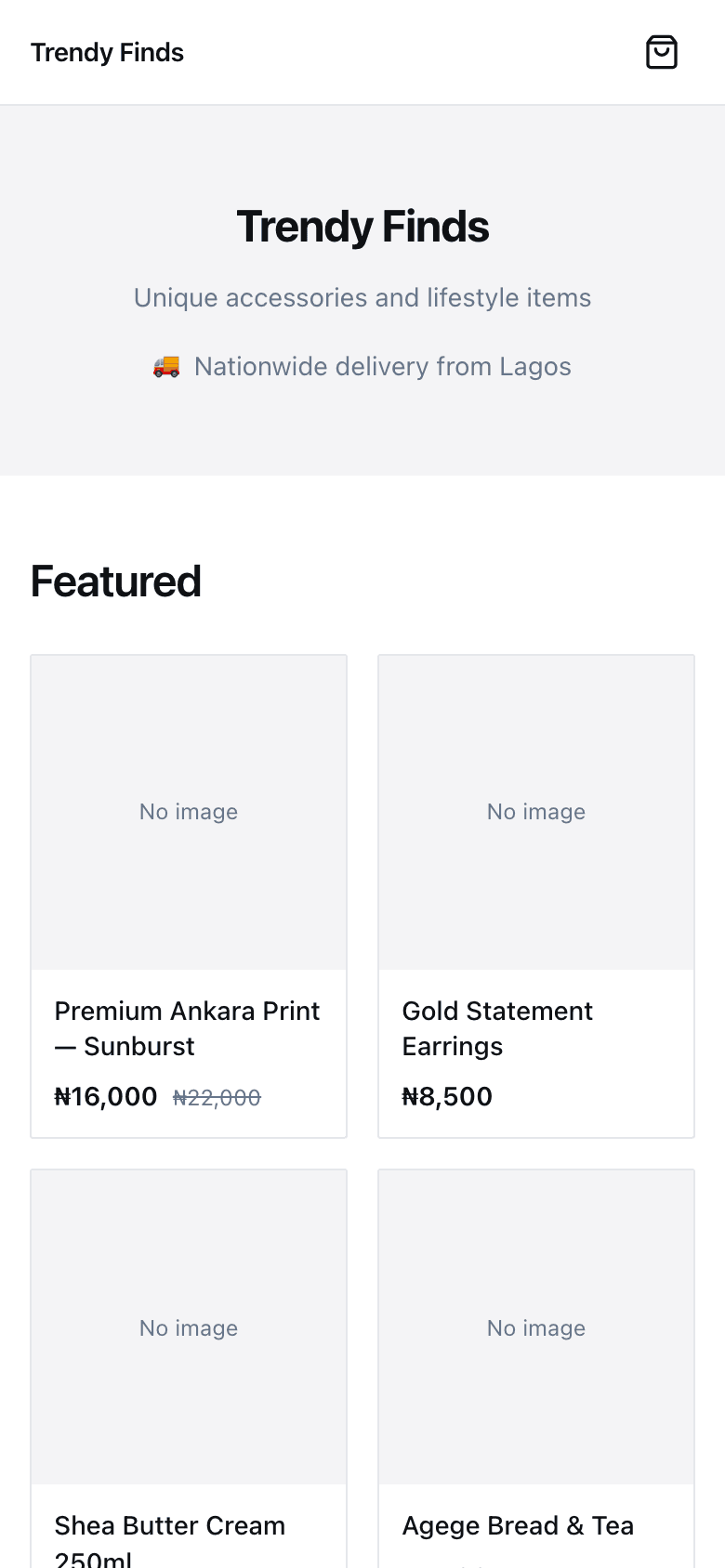
Use the live preview to sanity-check the first scroll before you share.
Keep going
Next: create your stall