Tutorials6 minMerchants building their first catalogue
Add products
Most first stalls do not need a huge catalogue. Start with the products that already sell fastest in DMs.
01
Start with your bestsellers
Add the items you already sell every week. Your first goal is not completeness — it is getting to a shareable storefront quickly.
02
Use clean names and one clear price
Avoid internal shorthand. Product names should be understandable at a glance, and every price should be final enough that buyers are not forced back into chat to ask basic questions.
03
Make the first image do the heavy lifting
Use a bright, readable lead image. If the first photo is weak, the product may never earn the tap.
Product-first mobile grid
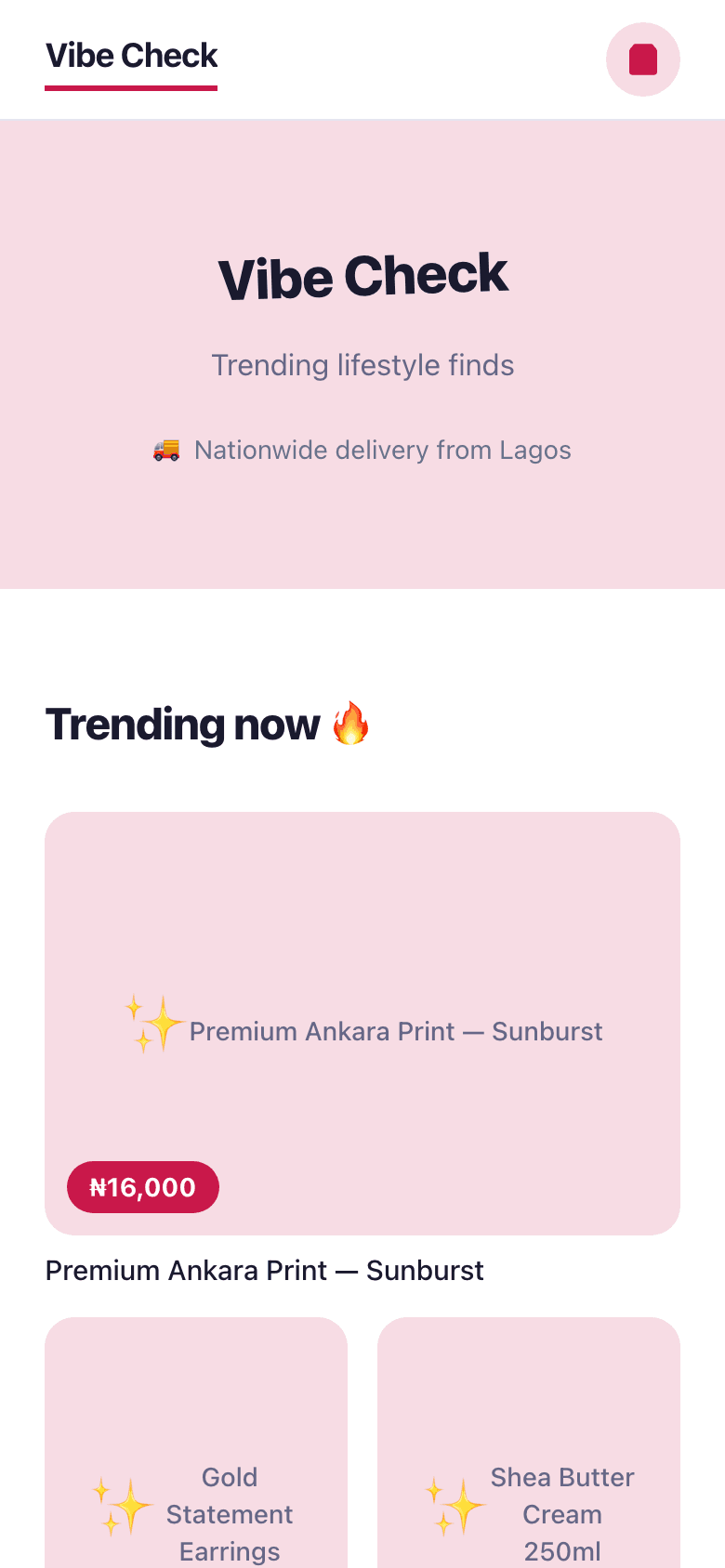
Good lead images make the catalogue feel trustworthy before a buyer reads any detail.
04
Group products into buyer-friendly categories
Use categories that sound natural to buyers: face, body, bundles, ready-to-wear, today’s menu. Categories help scanning and shorten the “where can I find this?” loop.
Keep going
Next: manage orders