Tutorials5 minProspects and new merchants
Create your stall
This guide covers the first setup pass: name, profile, delivery scope, and what buyers see first.
01
Start with your business profile
Fill your business name, category, and the one-line description that tells buyers what you sell. Write it like a signboard, not a brochure.
02
Choose your delivery scope
Set whether you offer pickup, city delivery, state delivery, or nationwide delivery. This helps buyers decide quickly without asking the same question in chat.
03
Add a contact path that feels immediate
Buyers should always know how to reach you. Keep WhatsApp current and make sure your public contact details match the channels you actually check.
04
Review the homepage hero on mobile
Your storefront should read cleanly on a 360px phone: store name, promise, product photography, and the first CTA.
Glow storefront example
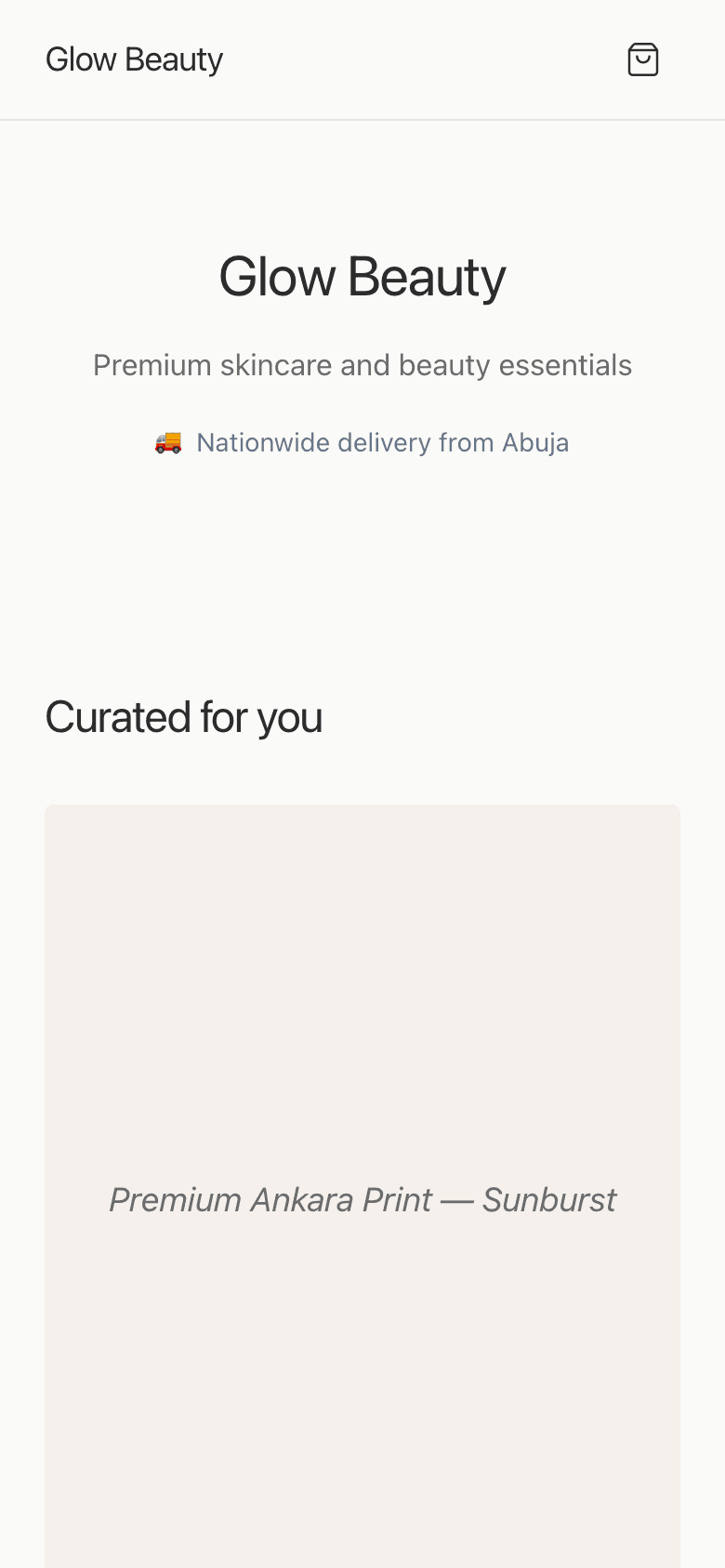
A strong first screen needs a clear headline, clean image rhythm, and one obvious next step.
Keep going
Next: add products